
Artificial intelligence is transforming how people work, learn, produce content, and manage enterprises. Claude AI, created by Anthropic, is one of the most widely used AI technologies. Claude assists people in completing activities more quickly and effectively, from writing and coding to research and ideation.
Having a dependable international payment method might facilitate the membership procedure if you’re in Egypt and wish to use Claude’s premium services, like Claude Pro. This post will teach you how to use an Eisy Global virtual currency card to subscribe to Claude AI from Egypt.
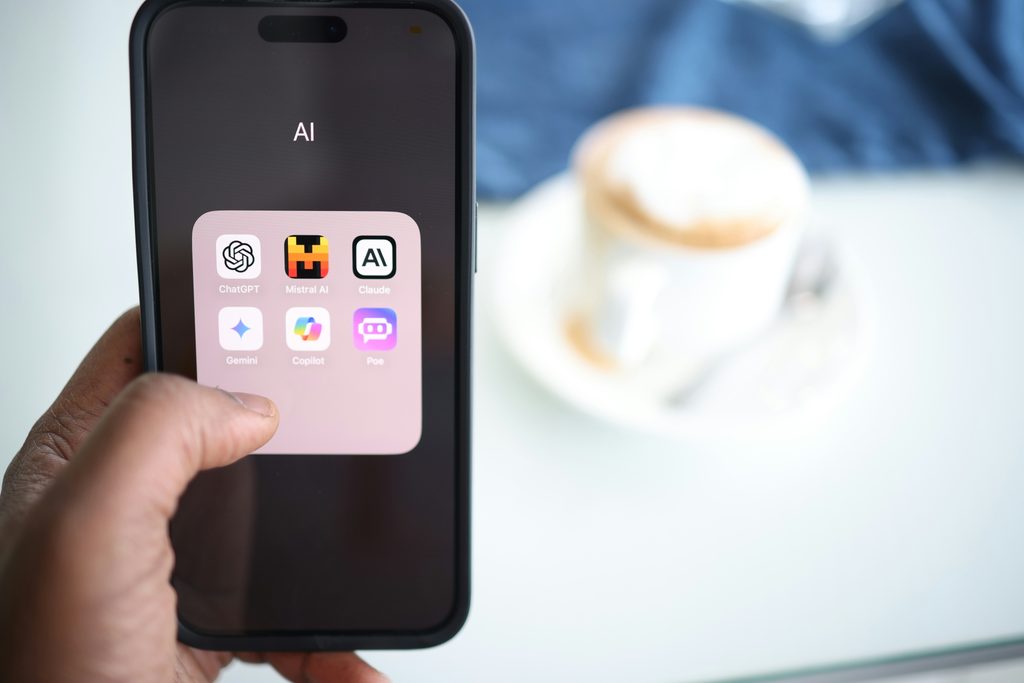
What Is Claude AI?
Claude AI is an AI assistant that can aid with everyday problem-solving, writing, programming, research, and document analysis.
It can help with a variety of jobs for professionals, students, developers, independent contractors, and business owners.
Although Claude offers a free plan, Anthropic’s current plan rules apply when subscribing to a subscription plan like Claude Pro, which grants access to more features and larger usage limitations.
What You Should Know Before Purchasing a Claude AI Subscription in Egypt
Make sure you have the following before beginning your subscription:
access to the official Claude website and an internet connection.
a Claude account created using data that satisfies Anthropic’s qualifying standards.
a virtual dollar card that is funded in an Eisy Global account.
adequate money to pay the subscription cost and any additional transaction fees.
Claude approved the billing information and payment method.
Important: Depending on the country, subscription availability and payment acceptance may differ. Before continuing, be sure Claude accepts your location and that your card is accepted for the transaction.

How to Use Eisy Global to Subscribe to Claude AI from Egypt
Step 1: Create an Eisy Global Account
Download the Eisy app or go to the official Eisy Global website at https://eisyglobal.com/. Register and fulfilll any identity verification requirements.
Step 2: Create Your Virtual Dollar Card
When your account is prepared, go to the virtual card section and make a virtual dollar card by following the directions. Before moving on, confirm the relevant card creation fees.
Depending on the criteria of the business, the card details provided by your virtual card may be utilized for acceptable online payments.
Step 3: Finance Your Virtual Card
Using the funding options at your disposal, add enough money to your Eisy card or account. Make sure the remaining funds cover the cost of the Claude subscription as well as any additional fees.
Step 4: Go to the Official Claude Website
Visit https://claude.ai/ and log in. If you don’t already have an account, make sure you fulfill Claude’s country and account eligibility requirements by following the registration procedures.
Step 5: Select a Paid Subscription
Examine the available subscription alternatives by opening the plan or upgrade area of your account. If Claude Pro suits your needs, choose it, then review the current cost and terms of payment when you check out.
Step 6: Input Your Virtual Card Information
Enter the card number, expiration date, and CVV when prompted if Claude’s checkout accepts your Eisy virtual dollar card. Give precise billing details and finish any necessary verification.
Step 7: Verify Your Subscription
After submitting your money, watch for a confirmation. Your purchased subscription should become accessible in accordance with Claude’s account and billing terms if the payment is successful.
Check your balance, card settings, billing information, and any applicable payment limitations if your payment is rejected. If you require any additional help, get in touch with Claude support or Eisy Global.
Why Use Eisy Global for Online Transactions?
Virtual dollar cards made for acceptable international internet payments are offered by Eisy Global. The service might assist you in handling payments for digital tools and subscriptions, depending on your account and card eligibility.
Eisy Global allows you to:
Create a virtual dollar card for supported online transactions.
Use the various payment methods to fund your card.
Use the app to manage the details of your virtual card.
Examine your card-accepting digital services’ payment alternatives.
Prior to making a payment, always review the applicable fees and merchant restrictions.
Conclusion
The first steps in signing up for Claude AI from Egypt include determining local availability, selecting the appropriate plan, and setting up a payment method that Claude will accept. For qualified customers whose cards are accepted at Claude’s checkout, an Eisy Global virtual dollar card might be a possibility.
Download the Eisy app to get a Reliable Virtual Dollar Card now:
Website:https://eisyglobal.com/
App Store:https://apps.apple.com/in/app/eisy/id6736591859?uo=2
Play Store:https://play.google.com/store/apps/details?id=com.eisyapp